
Best VPN for Torrenting Safety: 5 Options Compared
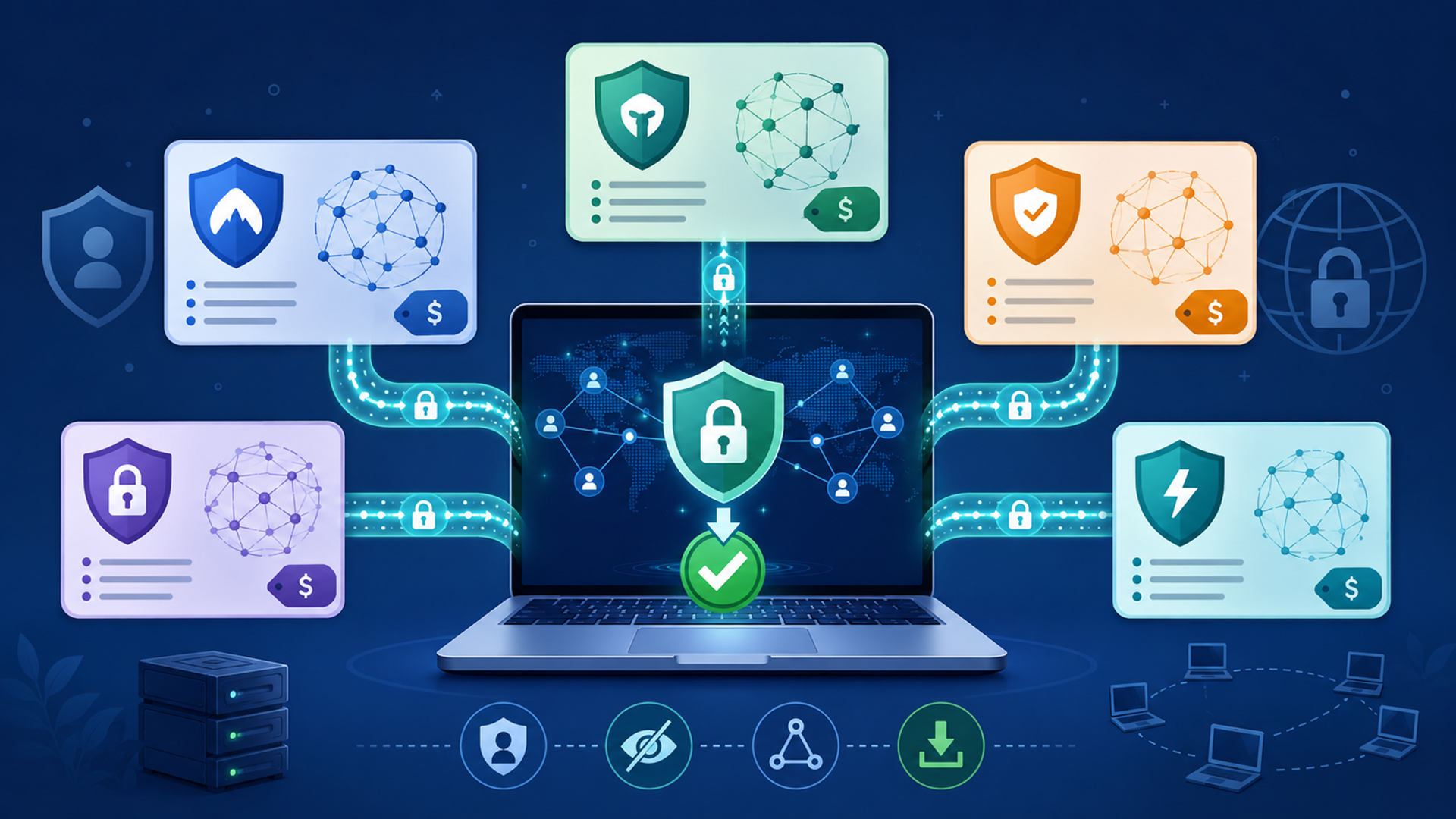
The best VPN for torrenting is not the same for every user. Some people need the lowest long-term price. Some want a privacy-first provider. Some want a free plan for light browsing before paying. Some want unlimited device coverage.
For most JTorrent readers, the safest buying logic is simple: choose a VPN that supports P2P, has a kill switch, protects against obvious IP leaks, gives you enough speed, and does not hide important renewal or server restrictions.
A VPN is useful, but it is not magic. The FTC warns that VPN apps do not make you fully anonymous; they shift trust from your ISP or public Wi-Fi provider to the VPN provider. A VPN also does not make illegal downloads legal. Use it as a privacy layer for legal torrenting, public Wi-Fi, and everyday browsing—not as a shortcut around copyright rules.
Best VPN quick picks
Here is the fit-based version:
That does not mean NordVPN is automatically best for everyone. It means NordVPN is the easiest all-rounder to recommend when the reader wants a polished VPN with broad device support, strong security features, and P2P guidance. ProtonVPN is more attractive if privacy controls matter most. PureVPN is worth checking if price is the priority. IPVanish stands out for users with many devices. Windscribe is useful if you want a free or flexible plan before committing.
Pricing note: VPN pricing changes often by region, sale period, renewal cycle, and checkout path. Treat every price below as a starting point to verify before purchase.
How we compared these VPNs
For JTorrent readers, a VPN comparison should not be only about brand recognition. The important criteria are practical:
- P2P support: Does the provider clearly allow BitTorrent or P2P traffic, and are there location restrictions?
- Kill switch and leak protection: What happens if the VPN connection drops?
- Device coverage: Can one subscription protect your laptop, phone, tablet, and household devices?
- Pricing clarity: Is the advertised price tied to a long plan, and does renewal cost more?
- Proxy or advanced routing options: Does the provider support SOCKS5, port forwarding, split tunneling, or interface binding guidance?
- Beginner usability: Can a non-expert install the app, choose a server, and avoid obvious mistakes?
The goal is not to crown one universal winner. It is to match the VPN to the way you actually browse, stream, travel, and torrent legal files.
VPN comparison table
| VPN | Best fit | Starting price to verify | P2P / torrenting notes | Main limitation |
|---|---|---|---|---|
| NordVPN | Best overall for most users | Around $3.09–$3.39/month on long-term promos | Supports BitTorrent/P2P use, has SOCKS5 setup docs, and offers specialty server categories. | No port forwarding. |
| ProtonVPN | Privacy-focused users | Free tier available; paid plans vary | P2P/BitTorrent support is on paid plans; Proton also documents binding qBittorrent to the VPN interface. | Free plan is not for torrenting. |
| PureVPN | Budget long-term buyers | Around $2.15/month on current long-term promo | P2P is allowed on listed shared servers/countries, with restrictions in some regions. | P2P rules require checking server eligibility. |
| IPVanish | Many-device households | Around $2.19/month on long-term promos | Official app listing mentions private file sharing, SOCKS5 proxy, strong encryption, and broad platform support. | Pricing and plan details should be verified at checkout. |
| Windscribe | Flexible/free-plan testing | Free 10GB plan; Pro $5.75/month billed annually | P2P is not allowed on free servers; Pro or Build-a-Plan is needed for P2P where supported. | Free plan is limited for heavy use. |
NordVPN: best overall for most users
NordVPN is the strongest fit for readers who want a polished VPN that is easy to install, easy to explain, and broad enough for everyday privacy as well as P2P use.
NordVPN’s own support material says you can use BitTorrent and most other peer-to-peer platforms when connected to NordVPN servers. It also documents SOCKS5 proxy setup for BitTorrent, including proxy hostname, port, authentication, DNS lookup, and peer-to-peer proxy settings.
NordVPN is also clear about one important limitation: it does not currently offer port forwarding. That matters mostly for advanced torrent users who care about seeding performance or inbound connections. Casual users may never notice, but power users should know before buying.
Choose NordVPN if you want the easiest all-round recommendation: strong security features, broad platform support, a large server network, and clear torrent/proxy documentation. Skip it if port forwarding is a must-have.
ProtonVPN: best privacy-focused pick
ProtonVPN is the best fit for readers who care more about privacy architecture and clear safety documentation than the lowest possible price.
Proton’s free plan is useful for privacy-conscious browsing because it includes unlimited data, one VPN connection, DNS leak protection, a kill switch or always-on VPN, and servers in 10 countries. The paid VPN Plus plan adds a larger server network, up to 10 devices, NetShield, Secure Core, split tunneling, and P2P/BitTorrent support.
For torrenting specifically, Proton says P2P sharing is only available on paid plans. Proton also recommends P2P servers and gives instructions for binding qBittorrent to the VPN interface, which is a strong safety habit because it helps prevent torrent traffic from leaving through your normal connection.
Choose ProtonVPN if you want a privacy-first VPN and do not mind paying for P2P support. Do not choose the free plan for torrenting.
PureVPN: best budget long-term option
PureVPN is worth checking if the main goal is a low long-term VPN price.
PureVPN’s current pricing page lists a Standard two-year deal at $2.15/month, with Plus and Max tiers above it. That makes it one of the cheaper options in this comparison, although VPN promotions change often and renewal pricing should always be checked before purchase.
For torrenting, PureVPN’s support page says P2P/file sharing is allowed on listed shared servers/countries. The same support page also says P2P is blocked on some servers due to changing policy and local legal restrictions, including countries where it says P2P/file sharing is not allowed.
Choose PureVPN if price matters and you are willing to check which locations support P2P before using it. Do not assume every server is appropriate for torrenting.
IPVanish: best for unlimited devices
IPVanish fits households and multi-device users better than people who only need a single laptop VPN.
The official Google Play listing for IPVanish says the app supports secure VPN connections for every device from one account, offers over 3,200 VPN servers in 150+ locations, includes WireGuard, OpenVPN, and IKEv2 protocols, supports split tunneling, includes IPv6 leak protection, and lists a SOCKS5 proxy as complementary with every account.
That makes IPVanish attractive if you have several phones, laptops, streaming devices, and tablets in the same household. The main caution is pricing: long-term VPN deals can change quickly, and the checkout total matters more than the headline monthly number.
Choose IPVanish if device count is your biggest concern. Verify current plan pricing, renewal rules, and P2P details before committing.
Windscribe: best flexible/free-plan option
Windscribe is useful if you want to test a VPN without immediately buying a long plan.
Windscribe says confirmed-email free users get 10GB of monthly data, unlimited connections, the same app features as paid users, and access to servers in 10 countries. Its Pro pricing page lists a yearly plan at $69 billed every 12 months, or $5.75/month.
For torrenting, the free plan is not the right choice. Windscribe says P2P is disabled on free servers, and that users need Pro or Build-a-Plan for P2P on supported locations. Windscribe also lists specific locations where P2P traffic is not allowed.
Choose Windscribe if you want a flexible VPN with a real free browsing tier. Upgrade before using it for P2P, and check the allowed locations.
VPN vs proxy for JTorrent users
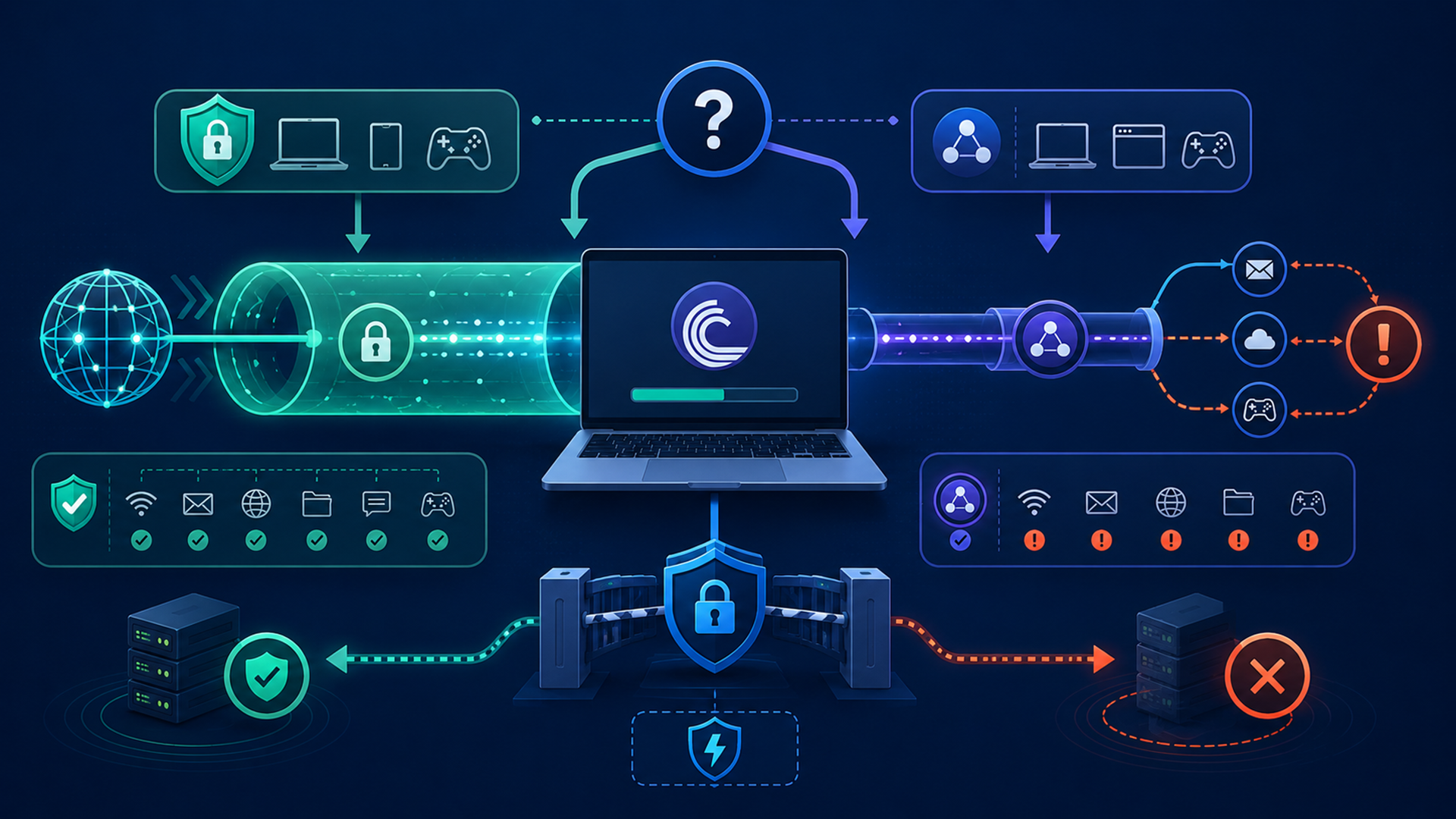
A VPN is usually the better first purchase for beginners because it can protect all device traffic, not just one app. It encrypts traffic between your device and the VPN server, hides your home IP from the sites or peers you connect to, and usually includes safety controls such as a kill switch.
A proxy is more specific. A SOCKS5 proxy can route traffic from a torrent client through another server, but it usually does not provide the same full-device encryption as a VPN. That can be useful for advanced app-level setups, but it is easier to misconfigure.
For most readers, use a VPN first. Turn on the kill switch. Use P2P-approved locations. Bind your torrent client to the VPN interface when possible. Add a SOCKS5 proxy only when you understand the settings and can test the result.
A safe VPN setup checklist
Before you torrent legal files, run through this checklist:
- Connect to the VPN before opening the torrent client.
- Use a VPN server or location that allows P2P.
- Turn on the kill switch.
- Check for DNS or IP leaks.
- Bind qBittorrent or your preferred client to the VPN interface if supported.
- Avoid copyrighted files you do not have permission to download or share.
- Avoid cracks, keygens, fake codecs, and unknown executables.
- Keep antivirus or endpoint protection enabled.
- Verify hashes or signatures when the publisher provides them.
- Check the VPN’s renewal price before buying a long-term plan.
The kill switch and interface-binding steps matter because torrent clients can resume quickly. If the VPN disconnects and your torrent client keeps talking to peers over your normal connection, your real IP can be exposed.
Which VPN should you choose?
Choose NordVPN if you want the safest all-round recommendation for most users. It has strong documentation, P2P/proxy guidance, and a large feature set.
Choose ProtonVPN if privacy is your main reason for buying a VPN and you want clear P2P safety guidance on paid plans.
Choose PureVPN if your priority is a cheaper long-term plan and you are comfortable checking P2P-supported locations.
Choose IPVanish if you want to cover a large number of personal devices from one account.
Choose Windscribe if you want a flexible free plan for light browsing or a simple annual Pro plan, but remember that P2P requires paid access on supported locations.
FAQ
What is the best VPN for torrenting?
For most beginners, NordVPN is the best overall starting point because it combines usability, strong safety features, P2P support, and proxy documentation. For privacy-focused users, ProtonVPN is the stronger fit. For budget buyers, PureVPN is worth checking.
Is a free VPN good enough for torrenting?
Usually not. Free VPN plans often have data limits, server restrictions, speed limits, or P2P restrictions. ProtonVPN’s free plan is useful for privacy browsing but does not support P2P. Windscribe’s free plan gives confirmed-email users 10GB per month, but Windscribe says P2P is disabled on free servers.
Does a VPN make torrenting legal?
No. A VPN can improve privacy, but legality depends on the file you download and share. Downloading Linux ISOs, open-source software, public-domain files, and creator-approved files is different from downloading copyrighted movies, games, music, or software without permission.
Should I use a VPN or proxy for torrenting?
Use a VPN first. A VPN is simpler and usually protects more traffic. A SOCKS5 proxy can be useful inside a torrent client, but it is more setup-sensitive and easier to misconfigure.
Do I need port forwarding?
Most beginners do not. Port forwarding can improve connectivity and seeding performance for advanced users, but it can also add risk if used carelessly. NordVPN currently says it does not offer port forwarding, so users who specifically need that feature should check providers carefully before buying.
Is Jivaro Torrent Engine safe to use with a VPN?
Jivaro Torrent Engine can be a useful torrent search starting point, and a VPN can reduce IP exposure while browsing or downloading. You still need to verify the file’s legality, source, file type, and comments before downloading.
Sources checked
- FTC guidance on VPN privacy limits
- PureVPN pricing page and PureVPN P2P support page
- NordVPN pricing page, NordVPN BitTorrent proxy setup, and NordVPN port-forwarding support note
- ProtonVPN plans explained and ProtonVPN torrenting support
- IPVanish official Google Play listing
- Windscribe free plan, Windscribe pricing, and Windscribe P2P support note
