
Best Websites to Buy Single Proxy Servers With Unlimited Bandwidth
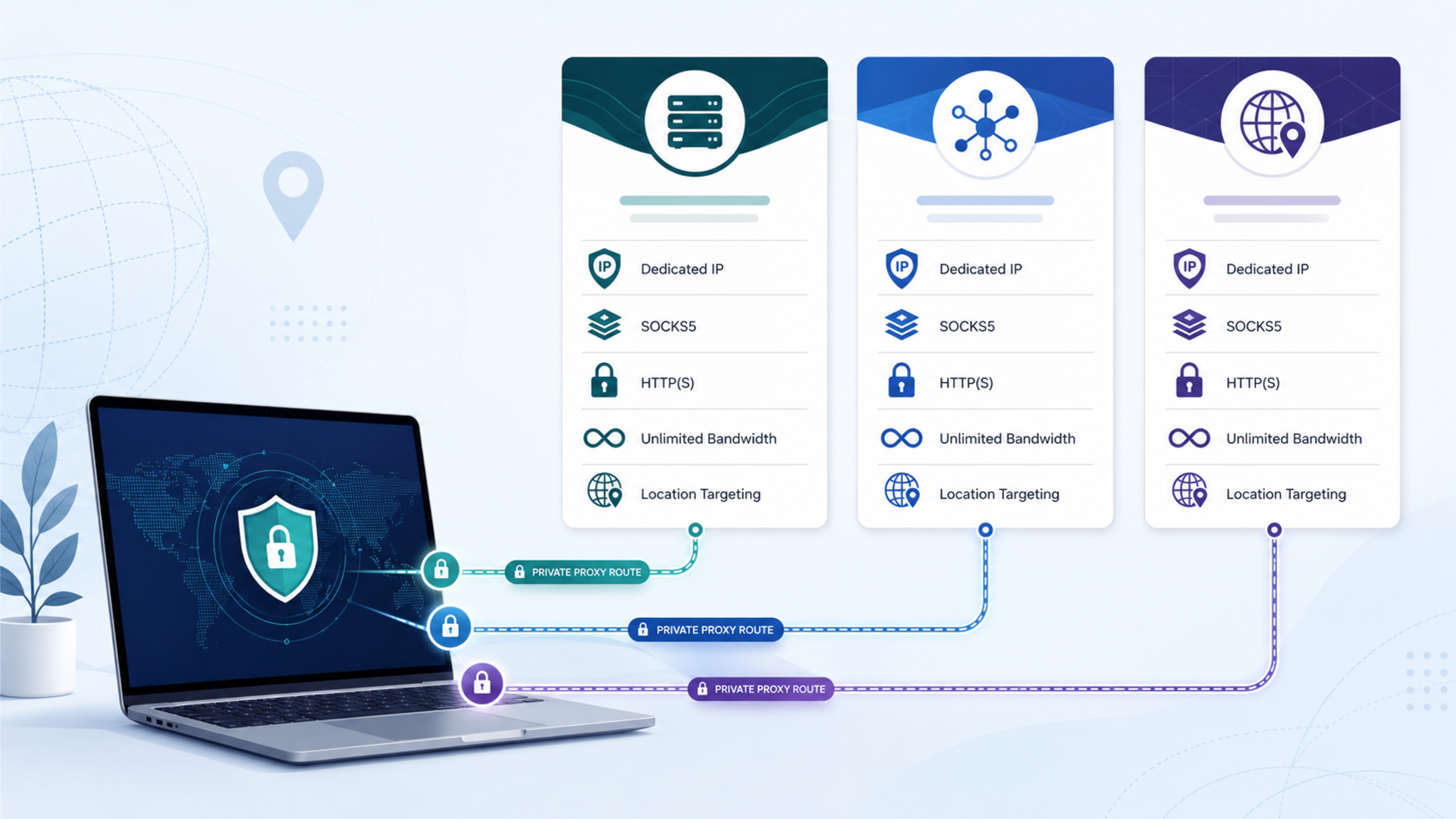
The best websites to buy single proxy servers with unlimited bandwidth are not always the same as the biggest proxy networks. When you only need one IP, or a small set of dedicated IPs, the practical question is simpler: can you buy a private proxy, keep bandwidth predictable, choose the right protocol, and avoid paying for a large rotating pool you do not need?
For most JTorrent readers, the best-fit picks are:
This is not a universal ranking. A cheap datacenter proxy can be perfect for SEO checks or testing, but a static ISP proxy may be better for long sessions that need a more residential-looking IP. A rotating residential pool may be useful for public data collection, but it is usually billed by traffic rather than true unlimited bandwidth.
Pricing note: Pricing and product claims were checked against current provider pages on May 22, 2026. Proxy pricing changes often by country, proxy type, subscription length, stock availability, and checkout path, so verify the final price before buying.
Quick verdict: the best single proxy sites
| Provider | Best fit | Unlimited bandwidth angle | Proxy types to check | Main caution |
|---|---|---|---|---|
| IPRoyal | Best overall for dedicated single proxies. | Datacenter and ISP pages clearly emphasize unlimited traffic/bandwidth. | Datacenter, ISP, residential, mobile. | Rotating residential pricing is GB-based, so do not confuse it with unlimited datacenter or ISP plans. |
| Proxy-Seller | Best for flexible single-proxy buying. | Homepage describes private proxy servers with unlimited bandwidth up to 1 Gbps. | ISP, datacenter IPv4/IPv6, residential, mobile. | Pricing varies heavily by location, IP type, term, and package. |
| Proxy-Cheap | Best budget/simple option. | Dedicated and datacenter pages emphasize unlimited bandwidth, requests, or traffic. | Datacenter IPv4/IPv6, static residential, dedicated, mobile. | Some lower headline prices are tied to IPv6 or specific plans, so compare the exact product. |
What is a single proxy server?
A single proxy server is one proxy IP that routes traffic between your device or app and the website you are accessing. Instead of connecting directly, your request goes through the proxy, and the destination sees the proxy IP rather than your normal IP.
In provider language, “single proxy” usually overlaps with terms like private proxy, dedicated proxy, static proxy, dedicated datacenter proxy, static ISP proxy, and static residential proxy.
The key idea is exclusivity. A dedicated proxy is assigned to one user rather than shared by many users at the same time. That matters because shared proxies are cheaper but messier. Other users can affect speed, reputation, block rates, and reliability. A private proxy gives you a more stable identity and more predictable performance.
How we compared the providers
For this guide, the main criteria were practical: can you buy a small number of proxies, is unlimited bandwidth actually available, are HTTP(S) and SOCKS5 supported, can you choose useful locations, is the dashboard beginner-manageable, and are the limitations clear before checkout?
The best provider is not always the one with the lowest headline price. The best provider is the one whose proxy type, bandwidth model, authentication, location support, and restrictions match your real workflow.
IPRoyal: best overall for dedicated single proxies
IPRoyal is the strongest all-round pick when you want a dedicated proxy with clear unlimited-bandwidth options.
Its dedicated datacenter proxy page describes private datacenter proxies with one user per proxy, unlimited traffic, easy integration, UDP and TCP connections, 60+ datacenter locations, and HTTP(S) plus SOCKS5 protocol support. IPRoyal’s pricing page also lists datacenter proxies from $1.39/proxy and ISP proxies from $2.00/proxy, while residential proxies are listed separately by GB.
That distinction is important. IPRoyal is strongest for this article when you are looking at dedicated datacenter proxies or ISP proxies, because those are the categories where the unlimited-bandwidth angle is clearest.
Choose IPRoyal for: single dedicated proxies, static IP use, SEO checks, web testing, automation that needs speed, and situations where SOCKS5 support matters.
Best fit: buyers who want the cleanest mix of dedicated IPs, unlimited datacenter traffic, SOCKS5 support, and reasonable entry pricing.
Proxy-Seller: best for flexible single-proxy buying
Proxy-Seller is a strong fit when location choice and proxy-type flexibility matter.
Its homepage says it offers private proxy servers with unlimited bandwidth up to 1 Gbps, SOCKS5 and HTTP(S) protocols, and authentication by username/password or IP whitelisting. It also lists residential, ISP, datacenter IPv4/IPv6, and mobile personal proxies.
That makes Proxy-Seller useful for buyers who already know what they need: a specific country, an IPv4 or IPv6 proxy, an ISP proxy, or a proxy format compatible with a particular browser, SEO tool, automation stack, or testing workflow.
Choose Proxy-Seller for: country-specific buying, SOCKS5/HTTP(S) support, IP whitelist authentication, flexible proxy types, and projects where you want to choose a proxy by location and duration.
Best fit: users who want control over country, protocol, authentication method, and proxy category.
Proxy-Cheap: best budget/simple option
Proxy-Cheap is the best fit for price-sensitive buyers who want a straightforward way to buy dedicated or datacenter proxies with unlimited bandwidth.
Proxy-Cheap’s datacenter proxy page says its datacenter proxies include dedicated IPs, flexible pricing, unlimited bandwidth, unlimited requests, and pay-per-IP pricing. Its dedicated proxies page also says dedicated proxies are assigned to a single user, include unlimited bandwidth, and support HTTP, HTTPS, and SOCKS5.
The caution is pricing clarity. Proxy-Cheap shows very low entry prices across different proxy products, including IPv6 and datacenter categories. That can be attractive, but compare the exact product before assuming the cheapest displayed option fits your tool or target websites.
Choose Proxy-Cheap for: low-cost dedicated proxies, basic web testing, simple SEO checks, datacenter use, and budget-conscious experiments.
Best fit: users who want affordable dedicated or datacenter proxies with unlimited bandwidth and easy protocol support.

Which proxy type should you buy?
Dedicated datacenter proxy
A dedicated datacenter proxy is usually the best first choice for a single proxy with unlimited bandwidth. It is fast, affordable, stable, and normally easier to buy per IP.
Use it for SEO rank checks, browser testing, web QA, market research, price monitoring, ad verification, and light automation that follows website rules. The tradeoff is detectability. Datacenter IPs are fast, but some websites treat them with more suspicion than residential or ISP IPs.
ISP proxy or static residential proxy
An ISP proxy is often the premium single-proxy choice. It behaves more like a residential IP while staying static and stable. Use it for long sessions, geo-specific dashboards, more sensitive web testing, account access that requires consistency, and workflows where datacenter IPs get challenged too often.
Rotating residential proxy
A rotating residential proxy pool is useful when you need many IPs across many regions, but it is usually not the cleanest choice for “one proxy with unlimited bandwidth.” Residential pools are often priced by traffic.
Mobile proxy
Mobile proxies are usually the most specialized option. They can be useful for mobile app testing, ad verification, or mobile-specific workflows, but they are often more expensive and unnecessary for basic browsing or SEO checks.
Unlimited bandwidth does not mean unlimited abuse
Unlimited bandwidth means you should not be billed by the gigabyte for that proxy product. It does not mean every use case is allowed.
Before buying any proxy, check the acceptable use policy, refund terms, restricted websites or activities, authentication options, protocol support, number of allowed threads or concurrent sessions, whether “unlimited” applies to your exact proxy type, whether the IP is dedicated or shared, and the renewal price after the first term.
Prioritize legitimate uses such as SEO monitoring, ad verification, market research, web testing, geo-testing, and public data workflows that follow website rules. Avoid spam, credential attacks, bypassing platform rules, fraud, scraping private data, or anything that violates a site’s terms or the law.
Proxy vs VPN: which one is better?
A proxy and a VPN both route traffic through another server, but they are not the same tool.
A proxy is better when you need app-level routing, a specific IP for one tool, or location-specific browsing without routing your entire device through a VPN. A VPN is usually better when you want full-device encryption, public Wi-Fi protection, and simpler privacy coverage.
Use a proxy when one browser or app needs a different IP, you need a static IP for SEO or testing, you need SOCKS5 inside a specific tool, or you want to avoid routing your entire device.
Use a VPN when you want encrypted traffic across your device, you are on public Wi-Fi, you want simpler beginner privacy, or you are torrenting legal files and want broader protection.
Best proxy choice by use case
| Use case | Best-fit proxy type | Provider to start with |
|---|---|---|
| One affordable proxy for basic testing | Dedicated datacenter proxy | Proxy-Cheap |
| Strong all-round single proxy | Dedicated datacenter or ISP proxy | IPRoyal |
| Specific country or flexible setup | Private, ISP, or datacenter proxy | Proxy-Seller |
| SEO rank checks | Datacenter or ISP proxy | IPRoyal or Proxy-Seller |
| Ad verification | ISP, static residential, or datacenter depending on target | IPRoyal or Proxy-Cheap |
| Long login sessions | ISP or static residential proxy | IPRoyal or Proxy-Cheap |
| Large-scale public data collection | Rotating residential pool | Verify GB pricing first |
Common mistakes when buying a single proxy
The first mistake is buying the cheapest proxy without checking the type. A cheap IPv6 datacenter proxy might be fine for testing, but it may not work for a tool or website that expects IPv4.
The second mistake is assuming residential always means better. Residential proxies can be useful, but rotating residential pools are often billed by traffic. For one stable proxy with unlimited bandwidth, a dedicated datacenter or ISP proxy may be more logical.
The third mistake is ignoring authentication. Some users prefer username/password authentication. Others prefer IP whitelisting. Check this before buying.
The fourth mistake is relying on free proxies. Free proxies are often shared, slow, unreliable, or risky from a privacy standpoint.
The fifth mistake is buying a proxy without testing it on the actual tool or website. A proxy can look fine in a dashboard and still perform poorly for your specific use case.
FAQ
What is the best website to buy one proxy?
For most users, IPRoyal is the best overall starting point because its dedicated datacenter and ISP proxy pages clearly emphasize unlimited traffic or bandwidth, dedicated IPs, and SOCKS5 support. Proxy-Seller is better when location flexibility matters most. Proxy-Cheap is better when budget is the priority.
Are single proxies cheaper than proxy pools?
Usually, yes. A single datacenter or ISP proxy is often priced per IP, while rotating residential pools are often priced by GB. That makes single proxies easier to budget for steady browsing, testing, SEO checks, or app-specific routing.
Do all single proxies have unlimited bandwidth?
No. Unlimited bandwidth depends on the provider and proxy type. Dedicated datacenter, ISP, and some static residential proxies are more likely to offer unlimited bandwidth. Rotating residential proxies are commonly billed by traffic.
Is SOCKS5 better than HTTP proxies?
SOCKS5 is more flexible because it can handle more types of traffic. HTTP or HTTPS proxies are often enough for browsers and web tools. For torrent clients, certain apps, or more flexible routing, SOCKS5 is usually the protocol to check.
Are proxies safer than VPNs?
Not automatically. A proxy can hide or change the IP seen by a website or app, but a VPN usually provides broader encryption for the device. Use a proxy for app-level IP routing and a VPN for full-device privacy.
Can I use proxies for scraping?
Use proxies only for lawful, permitted, and respectful data collection. Focus on public data, obey website rules, respect rate limits, and avoid private, copyrighted, or restricted data.
Final recommendation
Choose IPRoyal when you want the best overall single-proxy starting point with clear dedicated datacenter and ISP options.
Choose Proxy-Seller when location choice, authentication flexibility, and proxy-type variety matter most.
Choose Proxy-Cheap when you want the most budget-friendly path into dedicated or datacenter proxies with unlimited bandwidth.
The safest buying strategy is not to chase the lowest price. Pick the proxy type first, confirm that unlimited bandwidth applies to that exact plan, verify HTTP(S) or SOCKS5 support, then test the proxy against your real workflow before scaling.
Sources checked
- IPRoyal datacenter proxy page, IPRoyal ISP proxy page, and IPRoyal pricing page
- Proxy-Seller homepage, Proxy-Seller residential proxy page, and Proxy-Seller ISP proxy page
- Proxy-Cheap datacenter proxy page, Proxy-Cheap dedicated proxy page, Proxy-Cheap static residential page, and Proxy-Cheap unlimited bandwidth page
- Fortinet proxy vs VPN explainer